
Translating a conversation aloud into a foreign language is no longer science fiction. Audio translation applications and web services have multiplied in recent years, driven by advancements in speech recognition models. The market is divided between consumer mobile applications, browser tools that require no installation, and software focused on video conferencing. Behind the “free” label, the actual access conditions vary greatly from one service to another.
Free online audio translator: what the freemium model really hides

Most voice translation applications offer a free download on the App Store or Play Store. However, basic usage quickly encounters concrete limits: capped recording duration, restricted daily translations, or certain languages accessible only in the Premium version.
This freemium logic has become widespread. Applications like Translator GO or Translation – Speak & Translate offer basic voice access for free but reserve offline translation and less common languages for paying subscribers. Unlimited voice usage is rarely free beyond a handful of requests per day.
Before choosing a tool, it’s worth checking three points: the recording duration limit, the number of translations allowed without a subscription, and the availability of offline mode. These restrictions are not always listed on the download page. They often appear after several days of use, once the trial period has ended. To identify the best free audio translators without unpleasant surprises, checking the subscription conditions remains the first step.
Voice translation in the browser: ScreenApp and tools without installation
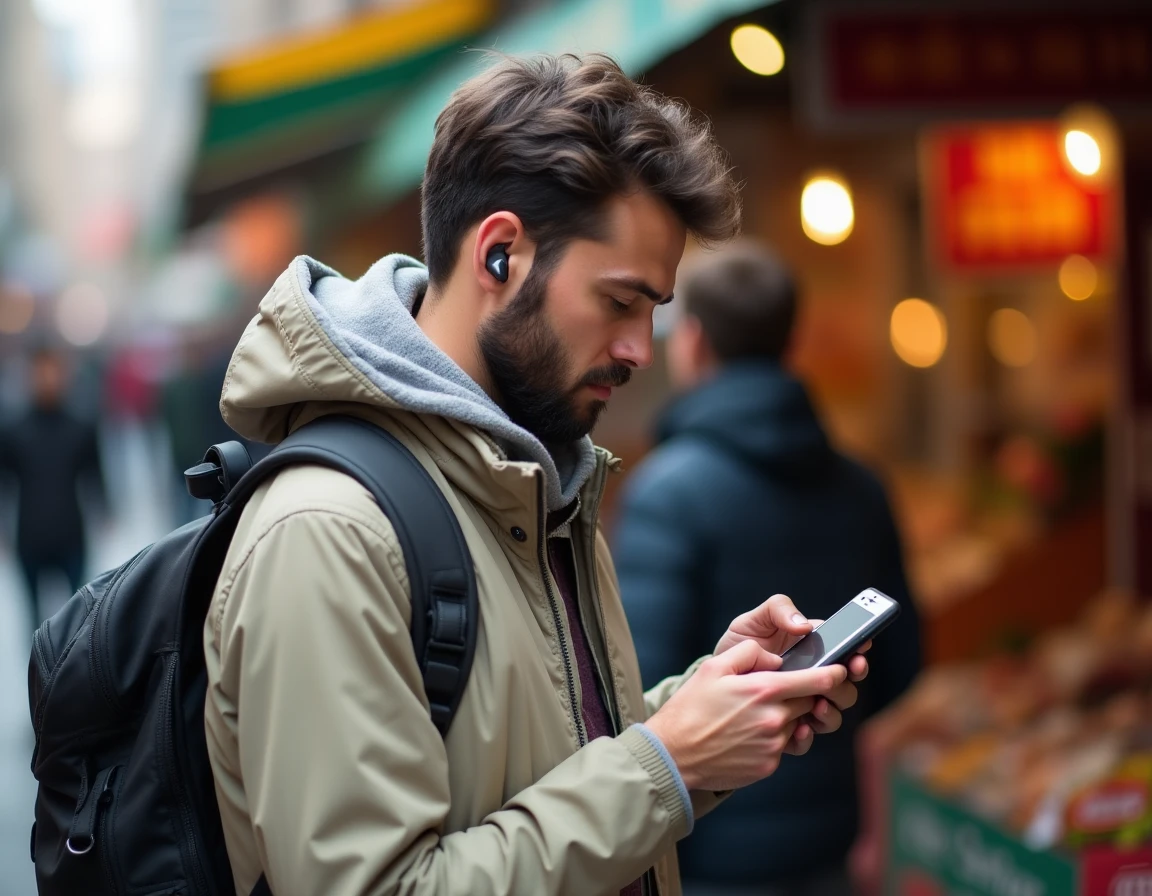
A still underrepresented segment of the market concerns audio translators accessible directly from a browser, without downloads or account creation. ScreenApp Audio Translator is a recent example: it accepts uploads of MP3, WAV, M4A, MP4, OGG, or FLAC files, automatically detects the source language, and generates a timestamped translated transcription.
This type of solution addresses a different need than face-to-face translation. It caters to those working with existing audio files: podcast excerpts, meeting recordings, interviews. Support for over a hundred source languages broadens the scope compared to traditional mobile applications, which are often limited to a few dozen languages in voice mode.
Field feedback varies on this point: the quality of transcription heavily depends on the clarity of the recording, the speech rate, and background noise. An audio file captured in a quiet environment produces significantly more reliable results than a street recording or a video conference with multiple speakers.
Technical limitations to be aware of
- Automatic language detection sometimes fails on short or multilingual recordings, where the speaker alternates between two languages in the same sentence.
- The timestamping of the transcription can lag by a few seconds on long files, complicating the identification of a specific passage.
- Processing occurs on the server side: audio data passes through the publisher’s servers, raising confidentiality concerns for sensitive content.
Real-time audio translation for video conferencing and streaming
A rapidly expanding use case involves voice translation applied to online meetings and live streams. Tools like StreamVox (AI Live Translator) add translated subtitles in real time to Teams calls, Zoom meetings, or Twitch broadcasts.
The logic differs from a mobile travel application. Here, the translator operates in the background, capturing the audio stream from the microphone or system output and overlaying the translation as subtitles. The processing is continuous, without the user needing to press a button each time someone speaks.
However, this type of tool is more resource-intensive. The latency between speech and the display of the translated subtitle varies depending on the machine’s power and the quality of the connection. For a professional meeting with four or five participants speaking different languages, the available data do not allow for conclusions about reliability in real-world conditions with all tested tools.
Criteria for choosing a free audio translator based on usage
Comparing Google Translate, DeepL, Microsoft Translator, or specialized solutions like ScreenApp is akin to comparing tools designed for very different contexts. The best audio translator depends on the type of content to be translated, not on a universal ranking.
For face-to-face exchanges during travel, mobile applications with conversation mode (Google Translate, Microsoft Translator) remain the most accessible. They detect who is speaking, alternate languages, and display the translation on the screen within seconds. In contrast, for translating a multi-minute audio file, a browser tool with file upload will be more suitable.
Points to check before committing
- Is offline mode available for free for the languages you need? Google Translate allows downloading language packs, but not all are available for offline voice translation.
- Is the confidentiality of audio data documented? Some tools clearly state that files are deleted after processing, while others remain vague on this point.
- The quality of translation varies depending on language pairs: a French-English translation will generally be more reliable than a French-Burmese translation, regardless of the tool used.
The landscape of free audio translators is evolving rapidly, with a clear trend towards hybrid tools that combine transcription, translation, and subtitling. Total free access remains the exception. Checking the actual limits of a tool before adopting it for regular use avoids disappointments when translation matters most.